What's New: Technology for Learning Blog

I suppose this one is cheating a little bit......
#105: A Tip, Tool, Text & Tutorial
I don’t know if you are like me, but on the first day of each
Just a quick post to kick off the November challenge of writing a blog post each day for the month of November. Reflections from today.....
Liking this video produced at the end of last term. Good to hear James' dulcet tones on it:
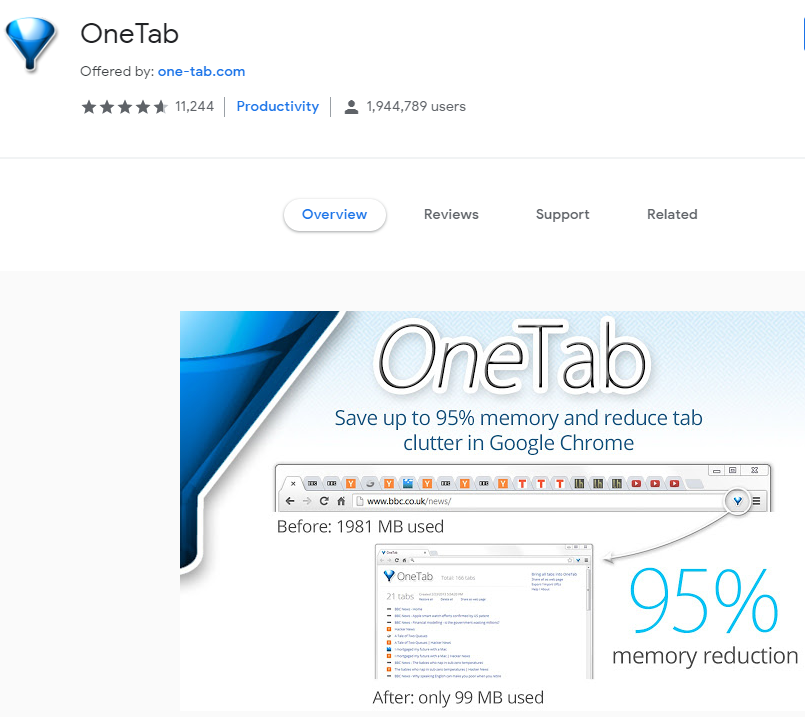
Must remember to use the 'Ctrl & H' more often to get to pages I've opened throughout the day.

A mistake I (we?) made in life was naming my (our) three children with the same first letter of the alphabet – the letter ‘T’. As a parent I’m often found inadvertently admonishing or complimenting the wrong sibling. At first I thought it was just me, but I’ve witnessed the confusion with my parents, our friends and the boys’ teachers. When naming your children it is simply something you don’t think about at the time - nobody tells you not to do it! So, with the 3T’s in mind I would like to change the format of this technology article slightly. Each week I would like to give you four T’s, namely:

I’ve been waiting for this for a long time. During Wednesday’s PTG Tech Talk I showed parents the new feature in iOS 12 called Screen Time. With it, we have a new tool to help prevent excessive screen time for our children, partners, and of course ourselves. The tool lets us limit overall time and allow you to control the time spent on specific apps. It also does the same for websites and video games. This is a real game changer because when the controls are built into the operating system of the device itself, it makes it really difficult for anyone to find ways around the restrictions. In particular, you now have the ability to see your own data on your digital diet – this will really help scaffold conversations with those around you on what is a healthy ‘phone-use’ lifestyle. Watch this useful guide to Apple iOS 12 'Screen Time' for parents. If you’re asking those around you to change their habits then you best role-model it, like they say: “you’ve gotta walk the talk!”

In a tutorial session
with Year 10 this week we discussed strategies to manage our digital
distractions. The most powerful part of the morning was when one of our Year 13
Digital
Leaders shared with us her journey to discovering the balance in her
life with Social Media and the many other digital distractions we have to deal
with. The short video above from The Atlantic gives a healthy perspective on
how we, as parents, can help support our children in making sure they too make
good decisions.
See you at the Fun Run on Sunday!
Brian Taylor